

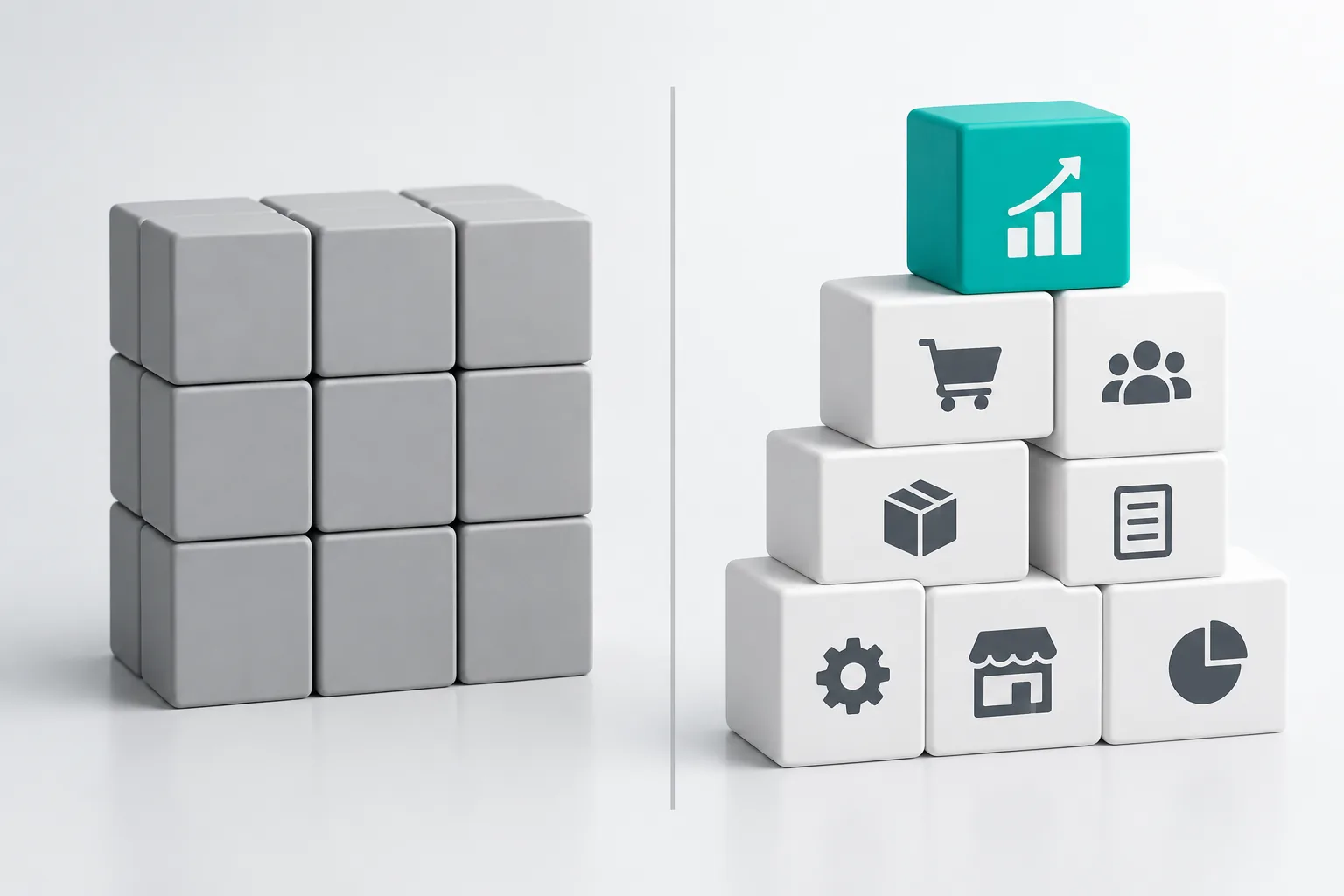
Choose Odoo, or another ready-made ERP such as SAP Business One, when your company buys, stocks, sells and invoices the way most companies do, and you are happy to adjust a few steps to fit the product. Choose a custom ERP when your workflow is the reason customers pick you, when you pay for many modules and use few, or when per-user licences for a large team cost more over time than building once. Both can send invoices to JoFotara. Often the right answer is both: a ready-made product for accounts, and custom software for the part that is yours alone.
When Odoo fits
Odoo is a modular ERP with apps for sales, inventory, purchasing, accounting, manufacturing, point of sale, HR and more. It has a Jordanian localization with a chart of accounts, Jordan's taxes and an e-invoicing module. It fits well when:
- Your processes are standard: quotation, order, delivery, invoice, payment.
- You need full accounting inside the same system.
- Your team is small to mid-size, so per-user licences stay affordable.
- You want to start fast with configuration rather than development.
- You accept doing things the way the product does them, with small changes.
Know the plan limits before you sign. On Odoo's pricing page, the Standard plan runs on Odoo Online only. Hosting on Odoo.sh or your own server, the built-in customisation tool, multi-company and the external API all need the Custom plan, which cost close to double Standard when we checked in October 2026. If you plan to connect a website, a mobile app or another system to Odoo through its API, budget for the Custom plan from the start. Implementation is not included in any plan, so you also pay a partner.
When SAP Business One fits
SAP Business One is aimed at small and mid-size companies that want a well-known product with strong inventory and finance, for example a company whose parent group already runs SAP. It is sold and implemented only through certified partners, and third-party price guides typically put it above Odoo per user. It fits when a parent company or auditor expects it, or when your partner has a strong team in Jordan.
When custom pays off
A custom ERP costs more at the start and less as you grow. It pays off when:
- Your workflow sets you apart, and a product would force you to change it. For example, a factory with its own costing method, or a distributor whose prices depend on rules no product supports.
- You use a small part of a large product and pay licences for all of it.
- You have many users who need a few screens each, such as drivers, storekeepers or sales reps, so per-user fees add up.
- Several tools must share data and the ready-made product does not connect to them.
- You want staff apps on phones designed around their daily tasks.
- You want to own the code and data with no licence to renew.
The trade-off is responsibility. A custom system needs a written scope, a company that documents and hands over the code, and a care plan after launch. Read our ERP cost guide for the cost lines to plan.
JoFotara and Arabic invoices on each
| Point | Odoo | SAP Business One | Custom ERP |
|---|---|---|---|
| JoFotara | Jordan e-invoicing module in the Jordan localization. You enter your JoFotara credentials and taxpayer type, and the returned QR code is added to the invoice PDF | Through the partner's add-on or integration. Ask for a live demo on a real invoice | Built into the invoicing module from the start, including credit notes and returns |
| Taxpayer types | Unregistered, general sales tax or special sales tax, chosen in settings | Depends on the add-on | Set from your registration, so staff never choose it |
| Arabic invoices | Arabic interface and translations. Check that the layout prints your registered name, tax number and QR code the way you want | Depends on the partner's templates | Designed to match your current invoice and your customers |
| Changes to invoice rules | Configuration, or custom modules on the Custom plan | Through the partner | Changed directly in your code |
Whichever you choose, test before go-live: send a small real invoice, scan its QR code in the government Sanad app, then issue a partial return. Our JoFotara guide lists the rejections to look for, and our JoFotara integration service connects systems that have no working link.
Limits on changes
Every ready-made ERP limits what you can change, and the limits cost money later. On Odoo, custom modules must be updated each time you move to a new version, and some changes are only possible on the Custom plan. On SAP Business One, changes go through the partner. On a custom ERP, there is no product limit, but every change is a piece of development you pay for, so a clear scope matters.
Three-year cost compared
| Cost line | Odoo | SAP Business One | Custom ERP |
|---|---|---|---|
| Licences | Per user per month, priced by country and plan | Per user, one-time plus 18 to 22% yearly maintenance, or a monthly subscription, as typically reported by third-party guides | None |
| Set-up | Partner implementation | Partner implementation | Build in phases, fixed per phase |
| Hosting | Included on Odoo Online. Extra on Odoo.sh or your own server | Cloud subscription or your own server | Your own cloud account |
| Adding 10 users | 10 more licences | 10 more licences | Little or no extra cost |
| Upgrades | Custom modules ported to each version | Through the partner | Part of the care plan |
| Who owns the code | Odoo, with your custom modules | SAP, with partner add-ons | You |
To compare, multiply users by the monthly licence by 36, add implementation and hosting, and set that against the custom quote plus three years of care. At Saree3 a first version of a custom system starts from 4,500 JOD, and care plans start from 80 JOD a month. An ERP is fixed per phase after a short discovery. With a small team and standard processes, the ready-made product usually wins. With a large team or a process that a product cannot follow, custom usually wins by the third year.
Questions to settle before you decide
- How many people will log in now, and in three years?
- Which steps in your work would a ready-made product force you to change, and would that hurt customers?
- Which systems must the ERP talk to: an online store, a mobile app, a bank, a system you keep?
- Who will own the code, the data and the cloud account?
- Who supports the system after go-live, and how fast do they answer?
If most answers point to a standard process and a small team, start with Odoo or a similar product. If they point to a large team, many connections or a process that is yours alone, ask for a custom quote and compare the two over three years, not one.
A middle path
You do not have to pick one for everything. A common setup is a ready-made product for accounts and tax, and a custom layer for the work that is yours: a sales app for reps in the field, a production screen on the factory floor, or a portal where customers follow their orders. Our custom software and custom ERP pages explain how we build both.