

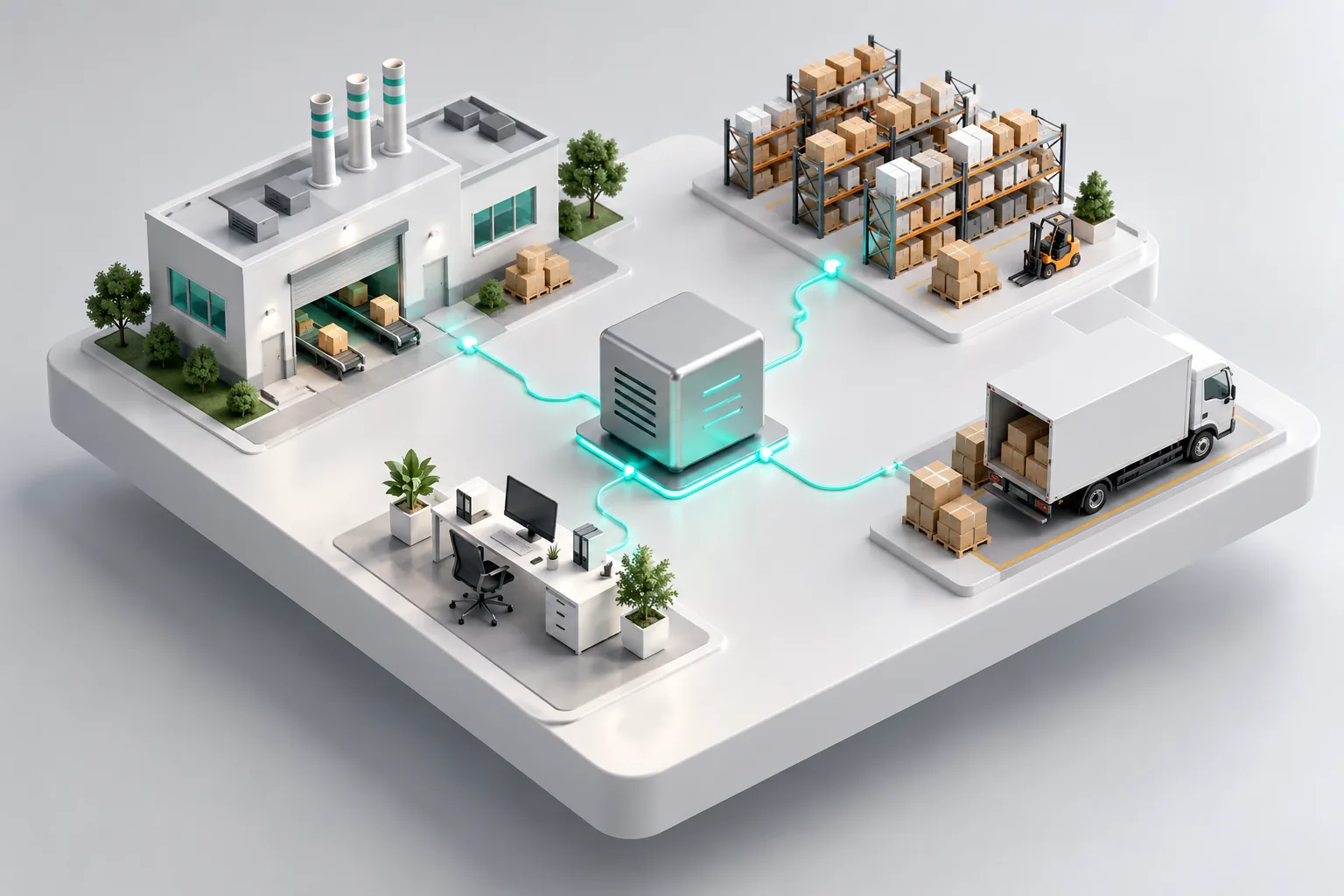
What a custom ERP can include
- Inventory across warehouses and branches
- Purchasing, suppliers and receiving
- Sales, quotations and invoices
- Production orders and costing
- Accounts, receivables and payables
- Permissions per role and per branch
- Reports and dashboards for management
- JoFotara e-invoicing for Jordan
Why custom instead of off the shelf
- You pay for the modules you use, not a long list of licences
- Screens follow your process, so training is shorter
- You own the code and the data
How we deliver
- A paid discovery phase that ends with a written scope and a fixed price
- Delivery in phases, starting with the module that hurts most
- Training for your team and support after go live
ERP system examples by industry
An ERP is one database that every department works from. The modules change with the business, and so does the module that should come first. These are the shapes we see most often in Jordan:
| Business | Where the ERP usually starts | What follows |
|---|---|---|
| Factory | Raw materials, production orders and the real cost of each finished item | Purchasing, sales orders, quality checks, maintenance |
| Distributor or wholesaler | Stock per warehouse, price lists per customer, delivery notes | Sales reps on phones, collections, supplier orders |
| Contractor | Costs per project, materials sent to each site, subcontractor payments | Purchasing, equipment, progress invoices |
| Shops with several branches | Stock per branch, transfers between branches, one price list | Point of sale, JoFotara invoices, branch reports |
| Service business | Contracts, jobs and the staff assigned to each one | Invoicing, field team attendance, a customer portal |
More on how we work with factories and manufacturers, logistics companies and construction firms.
Custom ERP or a ready-made platform
Ready-made platforms such as Odoo, SAP Business One or Microsoft Dynamics are a sound choice when your process already matches theirs and someone local can configure and support them. A custom ERP makes more sense when:
- Your process is what sets you apart, and a platform would force you to change it
- You pay per user for modules most of your team never opens
- The customization you need costs close to building the module yourself
- The system has to work with something you already rely on, such as your accounting package or your point of sale
Often the answer is a mix: keep the accounting package your accountant knows, and build the operational part around it. The proposal says which route we recommend and why. Our Odoo vs custom ERP guide compares the two in detail.
What the discovery phase covers
Discovery is where the price becomes fixed. In working sessions with the people who run each department, we write down:
- Every document you issue today, from quotation to delivery note to invoice, and who approves each one
- The spreadsheets, paper forms and WhatsApp groups the system will replace
- Who needs to see what, per role and per branch
- The systems it must talk to: accounting, point of sale, online store, JoFotara
- The reports management reads every week, and the ones they wish they had
You receive a written scope, a list of screens, the phases in order and a fixed price for each phase.
Moving your data across
Most ERP projects start from Excel sheets, an old desktop program, or both. Before a module goes live we import the item list, customers, suppliers, opening stock and open balances, then compare the totals with your current records together with your accountant. Records that do not match are listed and fixed before the switch, not after it.
We usually suggest running the new module next to the old method for a short period, so nothing is lost if a step was missed. Each phase goes live only after your team signs it off.
JoFotara inside the ERP
Invoices, credit notes and debit notes go to JoFotara from the sales module as they are issued, and the QR code returned by the Income and Sales Tax Department prints on the document. Returns start from the original invoice, so a credit note always matches it. If the connection drops, the invoice waits in a queue and is checked before it is sent again, so it is never submitted twice. The same integration runs in Ghalleh, the point of sale app we built for shops. More on JoFotara integration.
What decides the price
- The number of modules, and which one comes first
- Users, roles and branches, and how detailed the permissions need to be
- Integrations with accounting, point of sale, online stores or JoFotara
- Data import, and how clean the current data is
- Mobile screens for staff in warehouses or on the road
A first version of a custom system starts at 4,500 JOD on our pricing page. A full ERP is priced per phase after discovery, and each phase is delivered and paid separately. Our guide to ERP system cost in Jordan breaks the numbers down. Care plans after go live start at 80 JOD a month.