

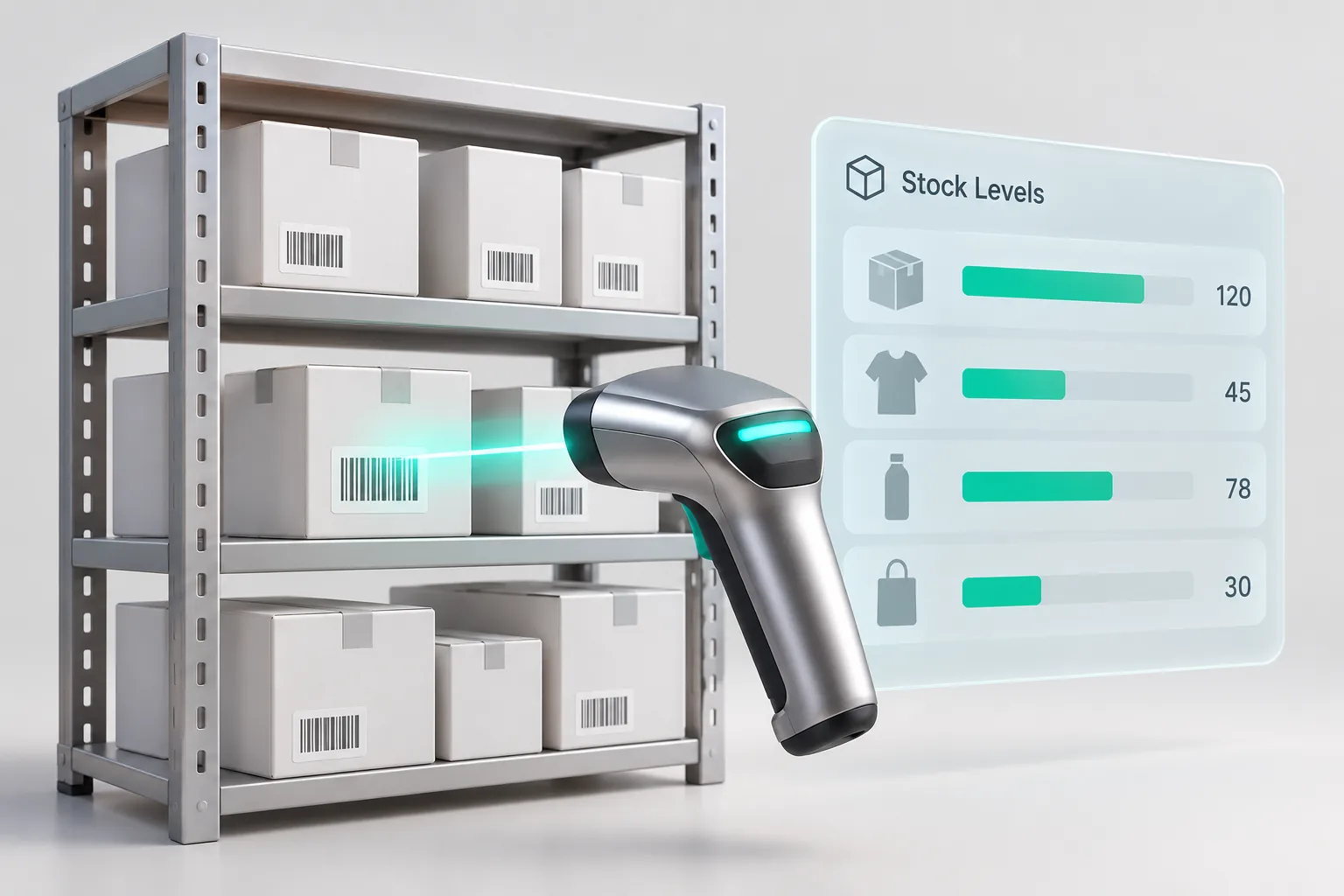
An inventory system tells you what you have, where it is, what it cost you and what is about to run out. Saree3 builds custom inventory and warehouse systems for distributors, wholesalers, factories and shops with several branches in Jordan. It can run on its own, or as the first module of a larger ERP system. A first version of a custom system starts from 4,500 JOD, and the final price is fixed in writing after a short discovery call.
Signs your stock has outgrown spreadsheets
- The number in the sheet and the number on the shelf rarely match, and nobody knows which one is right.
- Sales staff call the warehouse to ask whether an item is available before they send a quotation.
- Stock sits in two or three warehouses or branches, and transfers between them live on paper or in WhatsApp messages.
- Expired or damaged stock is found at the yearly count, not on the day it happens.
- You cannot say what one item really cost after freight, customs and supplier discounts.
- Reordering depends on one person's memory.
What the system can include
- Items and units. Item codes, barcodes, categories, and units that convert, such as a carton of 24 pieces bought by the carton and sold by the piece.
- Warehouses and locations. Several warehouses or branches, with zones and shelves inside each one, so a picker knows exactly where to go.
- Receiving. Purchase orders, goods received against them, and the difference between what was ordered and what arrived.
- Transfers. Stock moved between warehouses or branches with a sender and a receiver, so nothing disappears on the way.
- Batches, expiry dates and serial numbers. For food, cosmetics, medicine, electrical parts or anything you may need to trace back to a supplier.
- Stock counts. Full or partial counts from a phone, with every difference shown before a manager approves it.
- Reorder alerts. A minimum level per item and per warehouse, and a list of what to order this week.
- Costing. Weighted average or first in, first out, with freight and customs added to the goods they belong to.
- Sales and delivery. Quotations, reserved stock, delivery notes and invoices, with invoices sent to JoFotara.
- Reports. Stock value, slow movers, items near expiry and the full movement history of any item.
You do not need all of it on day one. A sensible first phase is items, warehouses, receiving and counts. The rest follows once the team trusts the numbers.
Who it is for
Distributors and wholesalers who sell from several warehouses and need sales staff to see and reserve stock before they promise a date. Factories that hold raw materials, work in progress and finished goods, and issue materials to production orders. See our page for factories. Shops with several branches that need transfers, branch stock and one view of the whole business. Online stores whose shelf stock has to match the stock shown on the site.
A single small shop usually does not need a custom system, because a ready app costs less. Ghalleh, the point of sale app we built for shops in Jordan, already tracks stock and sends invoices to JoFotara.
Warehouse work on a phone
Warehouse staff rarely sit at a desk. The system runs in the browser on computers, tablets and phones, and the warehouse screens are made for one hand: scan a barcode with the phone camera or a scanner, type the quantity, confirm. Receiving, picking, transfers and counts all work this way. Where the signal inside the warehouse is weak, the phone can keep the scans and send them when the connection returns.
Each user sees only what their role allows. A storekeeper can receive and count but cannot change prices, and only management sees stock value and cost.
Connections to what you already use
- JoFotara, Jordan's national e-invoicing system, for invoices and credit notes.
- Online stores on WooCommerce, Shopify or a custom build, so stock and orders move both ways. See online stores.
- Accounting software, through its API or a regular export, if you want to keep your current accounting.
- Spreadsheets and old systems, which we clean and move into the new system before launch.
How we build it
- Discovery call. We learn how stock moves today: who receives, who counts, who decides what to order, and which reports management reads.
- Written proposal. Scope, milestones and a fixed price. Larger systems may need a short paid discovery first.
- Design. We design the main screens and review them with the people who will use them, including the warehouse team.
- Build in milestones. Each milestone delivers screens your team can test with real items.
- Data move and opening count. We import your items, then your team counts the shelves so the system starts from real numbers.
- Launch and training. We train each role and support the team through the first weeks.
Price and ownership
The price depends on the number of warehouses, the modules, the connections and how much data has to move. It is fixed in writing after a short discovery call and does not change unless the scope does. There are no licences per user. The system runs on a cloud account in your name, with automatic backups, and the source code is yours after the final payment. Care plans after launch are priced by the size of the system. Every starting price is on our pricing page.