

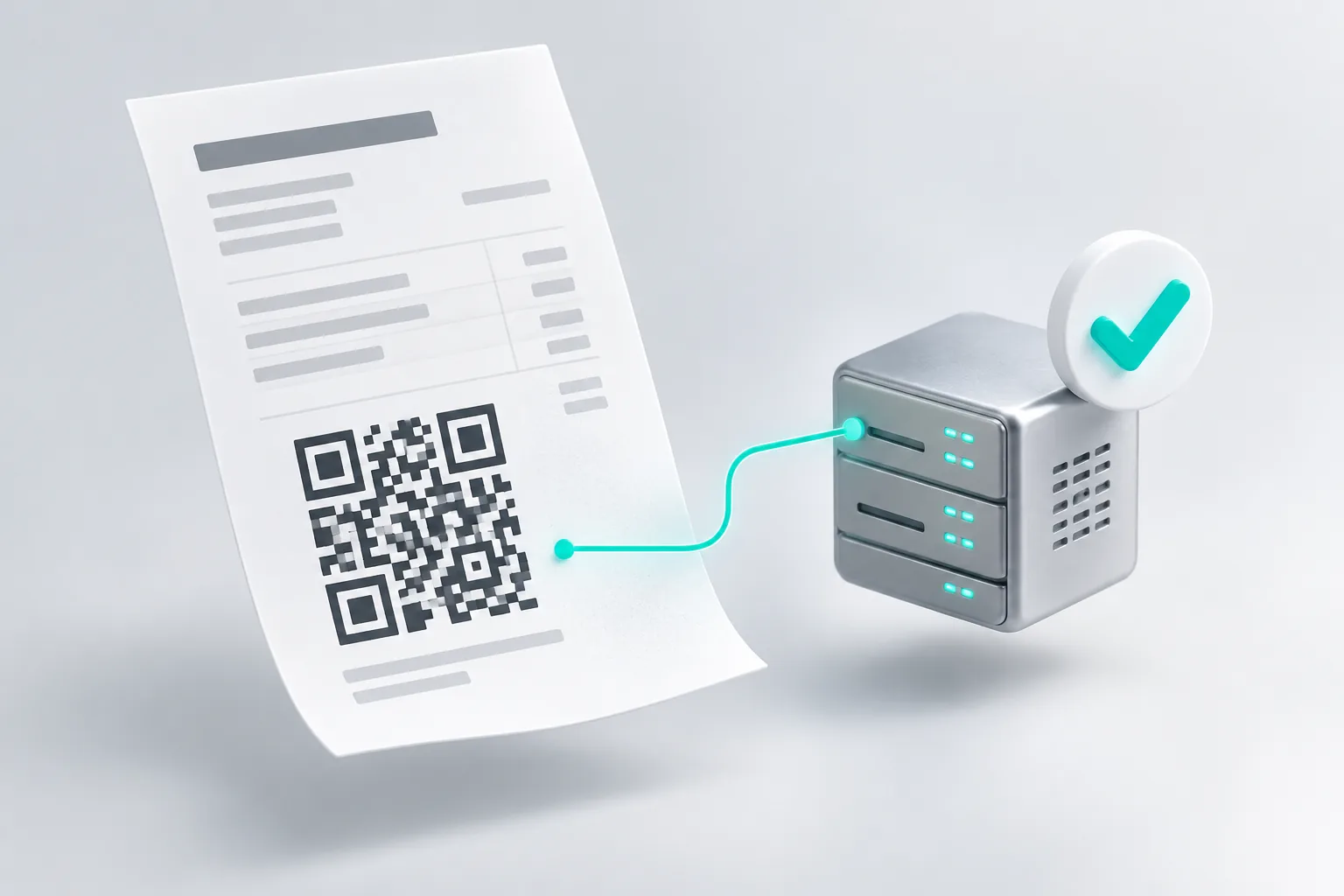
JoFotara integration means your own software sends each invoice to the Income and Sales Tax Department (ISTD) as it is issued, gets it validated, and prints the QR code the department sends back. Saree3 builds that connection for ERP, point of sale, online store, accounting and custom systems in Jordan. We already run a working JoFotara integration inside Ghalleh, the point of sale app we built for shops.
Who must issue invoices through JoFotara
The national invoicing system rests on Article 23 of Income Tax Law No. 38 of 2018 and the invoicing Regulation No. 34 of 2019. ISTD says every taxpayer subject to income tax must comply. Since 1 April 2025, invoices for goods and services must be issued through JoFotara or through software linked to it.
ISTD excludes some small businesses from the invoicing duty:
- Licensed shops with annual sales under 75,000 JOD in named activities: groceries, mini markets and supermarkets, bookshops and stationery, fruit and vegetable shops, household goods shops, bakeries, popular restaurants, home businesses, dairy shops and sewing supplies shops.
- Licensed crafts with annual revenue under 30,000 JOD.
- Bakeries that sell only bread, with annual sales under 150,000 JOD.
Doctors, pharmacies, lawyers, engineers and other professions are not on that list. A business that is not registered for sales tax still issues invoices. They are income invoices with no tax on them. If you are unsure which rule applies to you, ask your accountant or ISTD first. Our JoFotara guide explains the rules in more detail.
What we connect
- ERP systems. Invoices, credit notes and debit notes go out from the sales module, and the JoFotara status is saved on each document. See custom ERP systems.
- Point of sale. The till submits the invoice and prints the QR code on the receipt. If the internet drops, the sale still goes through and the invoice waits in a queue.
- Online stores. Paid orders become invoices without anyone typing them twice. See e-commerce stores.
- Accounting and custom systems. Any system that keeps its invoices in a database can be connected, including systems another company built, after we review the code. See custom software.
If your ready-made product already has a JoFotara connection that works, keep it. We build the connection when your system has none, or when the one you have keeps failing.
How it works: credentials, UBL invoice, QR code
- Credentials. The taxpayer registers on the JoFotara portal and creates the credentials for a linked system: a client ID, a secret key and the income source sequence. You create them in your own account, and they are stored in your system, not with us.
- Invoice file. Your system turns each invoice into a UBL 2.1 XML file with the seller's tax number, the buyer, every line with its tax category and rate, and totals that match to the last fraction of a dinar.
- Submission. The file goes to JoFotara, which validates it and returns a status, an invoice number, a unique ID and a QR code.
- QR code. Your system saves the response with the invoice and prints the QR code. Anyone can check it in the government Sanad app.
- Returns. An issued invoice cannot be edited. A return or correction is a credit note that points to the original invoice.
Common rejection reasons and how we handle them
These are the errors we met while building and testing a live integration.
| Rejection | Usual cause | How we handle it |
|---|---|---|
| Authentication error (403) | Wrong or regenerated client ID or secret key | A clear message to the user and a connection test after any change of keys |
| Invoice type not allowed | The invoice type does not match the registration, for example an income invoice from an account registered for sales tax | The type follows the registration saved in settings. The cashier never picks it |
| Totals do not match | Rounding too early, or tax taken out of tax-inclusive prices the wrong way | Line amounts are calculated so the invoice total equals what the customer paid |
| Credit note refused | No reason given, or line numbers and unit prices that differ from the original invoice | Returns start from the original invoice, keep its lines and prices, and ask for a reason |
| Wrong tax number or income source | Seller details that do not match ISTD records | Checked at setup with a single test invoice |
| No response | Timeout or no internet | The invoice is queued and checked before it is sent again, so it is never submitted twice |
There was no separate test environment when we built our integration, so every test is a real invoice on the taxpayer's record. We keep tests small and reverse them with a credit note.
Price and timeline
The price depends on your system: how it stores invoices, whether we can change its code, which documents you issue, and whether you need returns and an offline queue. After a short discovery call we send a written proposal with a fixed price and schedule, within one business day. You own the code we write. Care plans after launch start at 80 JOD a month, see pricing.
The Income Tax Law also holds liable anyone who builds software that helps a taxpayer evade tax. Our integrations send every invoice and never reuse an invoice number.