

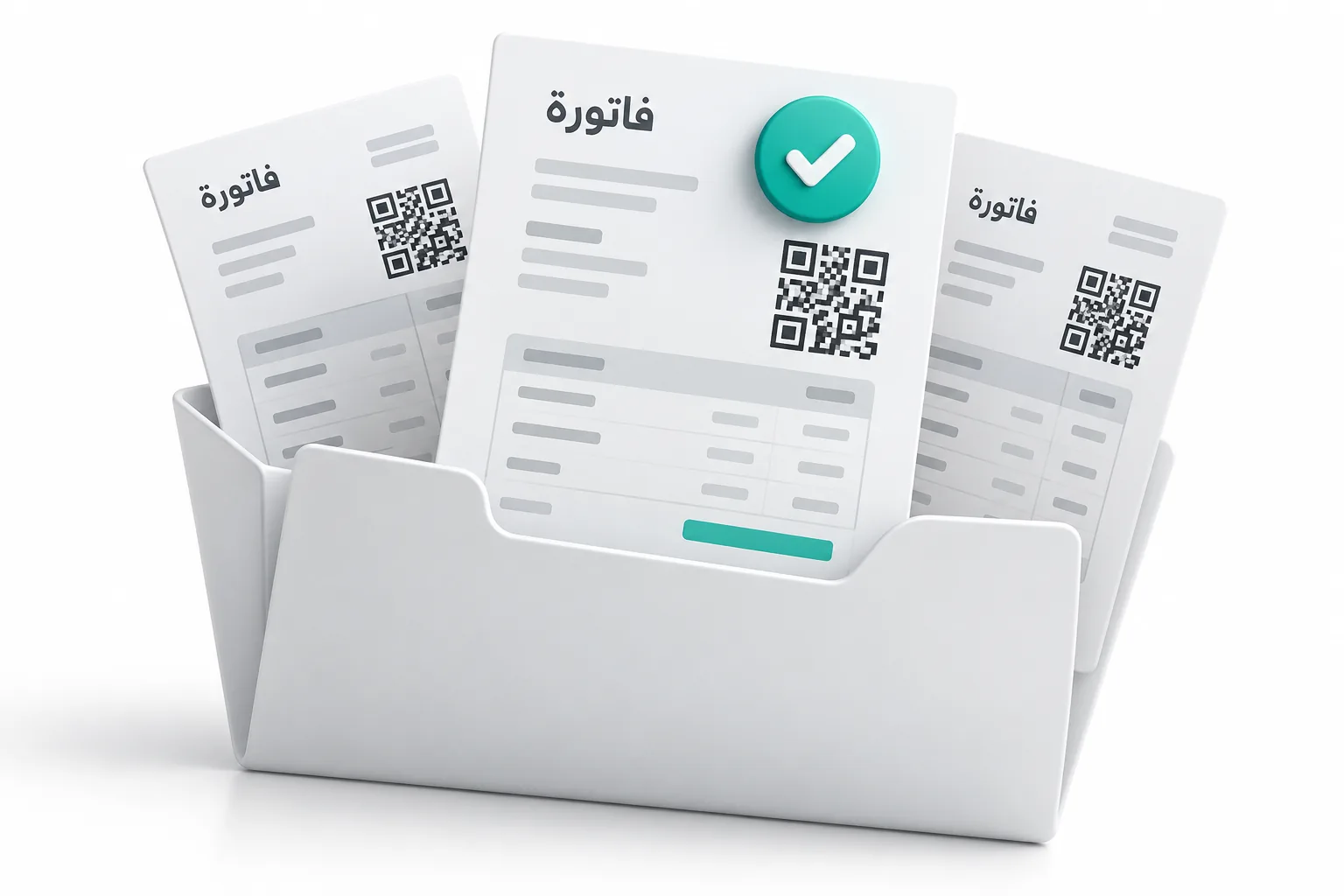
Since 1 April 2025, businesses in Jordan that are subject to income tax must issue their invoices through JoFotara, the national e-invoicing system, or through software linked to it. Some small licensed shops under set sales limits are excluded. You can issue invoices on the government portal by hand, or connect your own system so each invoice is sent automatically and comes back with a QR code. This guide covers who must comply, how the two routes work, what an invoice must contain, and the errors we see most, based on the integration we built and run inside our Ghalleh point of sale app.
What JoFotara is
JoFotara is the national electronic invoicing system of the Income and Sales Tax Department (ISTD). Every invoice issued through it, or through a linked system, is validated by the department and given a number, a unique ID and a QR code. The department sees sales as they happen instead of collecting invoice books during an audit.
The legal basis is Article 23, paragraph (f), of Income Tax Law No. 38 of 2018, which requires an original invoice for every good sold or service provided in the Kingdom. The details, including who is excluded, sit in Regulation No. 34 of 2019 on organising and controlling invoices, and its instructions. ISTD has also said that the system is about invoicing, not a new tax. It does not change how much tax you pay.
Who must issue e-invoices and when
ISTD says every taxpayer subject to income tax must comply, whether they use no software, paper invoice books or a full computer system. The rollout started with large taxpayers. From 1 April 2025, the second phase made JoFotara the route for invoices for goods and services across the market.
The exclusions published by ISTD are:
- Licensed shops with annual sales under 75,000 JOD in these activities: groceries, mini markets and supermarkets, bookshops and stationery, fruit and vegetable shops, household goods shops, bakeries, popular restaurants, home businesses, dairy shops and sewing supplies shops.
- Licensed crafts in any governorate with annual revenue under 30,000 JOD.
- Bakeries that sell only bread, with annual sales under 150,000 JOD.
Professions are not on the list, so clinics, pharmacies, law firms and engineering offices are in scope regardless of size. Phone shops, clothes shops and most service companies are not on the list either.
Being outside sales tax does not take you outside JoFotara. A business that is not registered for general sales tax issues an income invoice, which carries no tax. A registered business issues a sales tax invoice with the tax shown on each line. Your registration decides the invoice type, not your choice.
There is also a reason to comply even when you are excluded: your business customers. An invoice issued outside the system is not accepted as a tax document, so a buyer who needs to deduct the purchase will ask you for a JoFotara invoice.
Portal or API: two ways to send invoices
| Route | How it works | Fits |
|---|---|---|
| ISTD platform | You log in and type each invoice on the government platform, then print or send it | A business with few invoices a day and no invoicing software |
| Linked system | Your POS, ERP, store or accounting system sends each invoice to JoFotara and stores the response | Shops with a till, companies with many invoices, anyone who already uses software |
Registration and linking happen on portal.jofotara.gov.jo. For a linked system, the taxpayer creates credentials in their own account: a client ID, a secret key and the income source sequence (the number of the activity the invoices belong to). The software sends these with every invoice. Keep them inside your own system and regenerate them if they leak or when a vendor stops working for you.
Many ready-made products already connect. Odoo, for example, has a Jordan e-invoicing module in its Jordan localization that submits invoices and adds the returned QR code to the PDF. If your software has no connection, it can be built. That is what our JoFotara integration service does.
Invoice fields, UBL format and the QR code
A linked system sends each invoice as a UBL 2.1 XML file, the international format for electronic invoices. The file carries:
- The invoice number, a unique ID, the issue date and the invoice type, which shows whether it is an income or sales tax invoice and whether it was paid in cash or on credit.
- The seller's tax number, registered name and income source sequence.
- The buyer, where known. For a business buyer, its registered name and tax number.
- Every line with quantity, unit price, discount, tax category and tax rate. Jordan's standard sales tax rate is 16%, and some goods carry reduced, zero or exempt rates.
- Totals: amount before tax, tax, and the amount payable.
JoFotara checks the file, and if it passes, returns the accepted invoice, its number, its unique ID and a QR code. Your software prints that QR code on the invoice or receipt. Anyone can scan it in the government Sanad app to check that the invoice is real. The QR code must be the one JoFotara returned. A code the software makes by itself proves nothing.
Returns and corrections work differently from paper. An issued invoice cannot be edited or deleted. To refund or correct it, you issue a credit note that references the original invoice. A debit note does the same in the other direction.
Rejection reasons we see most
These come from building and testing a live integration, where every test is a real invoice. There was no separate test environment when we built ours.
| Error | What causes it |
|---|---|
| Authentication error (403) | The client ID or secret key is wrong, or was regenerated on the portal and not updated in the software |
| Not authorised for this invoice type | The software sent an income invoice for an account registered for sales tax, or the reverse |
| Totals do not reconcile | Amounts rounded too early. JoFotara works with more decimals than a receipt shows, and tax taken out of tax-inclusive prices must add back to exactly what the customer paid |
| Credit note needs a reason | The return was sent without a reason for the note |
| Unit price must match the original | A credit note line used a different line number or price from the original invoice |
| Seller details refused | Tax number, registered name or income source sequence do not match ISTD records |
One more risk is not an error message at all. If the connection times out, the software does not know whether the invoice was accepted. Good software checks first and never sends the same invoice twice under a new number.
Be careful with software that promises shortcuts. The Income Tax Law treats anyone who builds a program that helps a taxpayer evade tax as a partner in the offence. Any system you use should submit every invoice and never reuse numbers.
Checklist for your accountant
- Confirm whether the business is in scope or excluded, and keep the reason in writing.
- Confirm the registration: income tax only, general sales tax or special sales tax. This sets the invoice type.
- Check that the registered name and tax number in the software match ISTD records exactly.
- Create the linking credentials on the portal and store them only in the software.
- Set the right tax rate on every product, including zero and exempt items.
- Decide whether prices include tax, and test that totals match the price on the shelf.
- Send one small test invoice, scan its QR code in Sanad, then reverse it with a credit note.
- Test a partial return against a real invoice.
- Agree what happens when the internet is down: the sale continues and the invoice waits in a queue.
- Ask your suppliers for JoFotara invoices, because purchases without them cannot be deducted.
If you are choosing a new system at the same time, our guides to ERP costs in Jordan and Odoo or a custom ERP cover how JoFotara fits into each option. If you sell online, see how to open an online store in Jordan.